
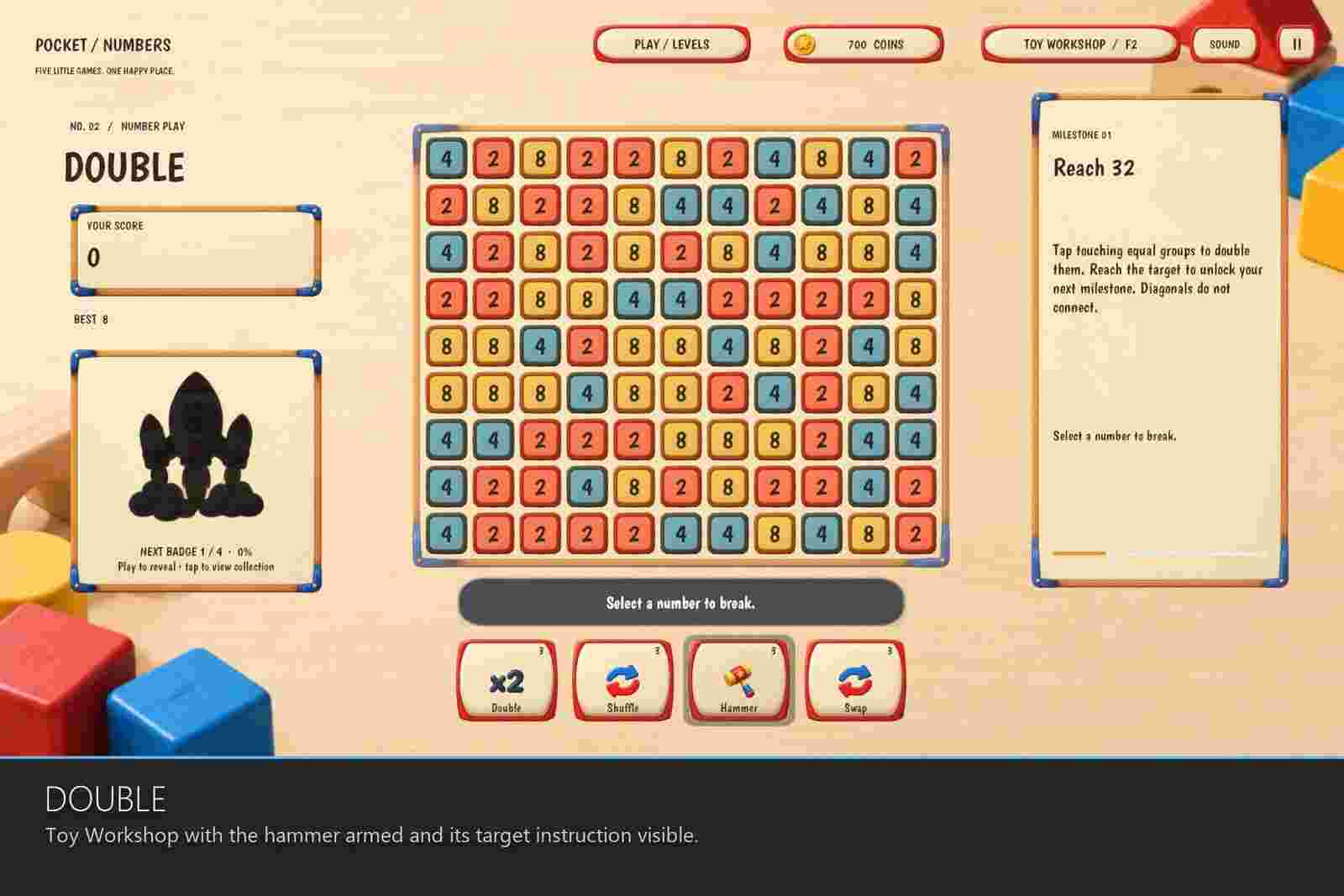
Pocket Numbers Unity Source Code
$69.00
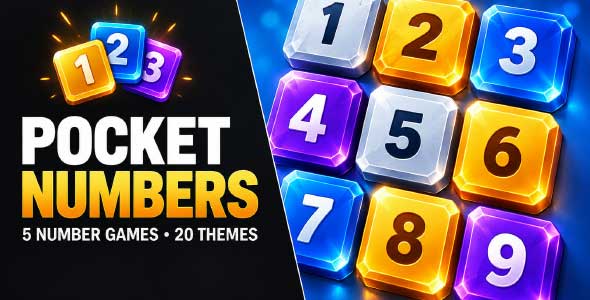
- 5 number puzzle games: Pair, Double, Ten, Chain and Thirteen.
- 25 selectable visual themes from one shared theme library.
- 30 challenge entries plus 5 interactive tutorials.
- Boosters, coins and collectibles with local saved progress.
- AdMob placements prepared (rewarded, interstitial, banner); Google’s SDK is installed by you.
- 21 procedurally synthesised sound clips including a music loop.
- Saved scenes and prefabs for every game, full C# source and offline documentation.
Description
Pocket Numbers Unity Source Code is an editable URP template pack with five different rule sets and twenty-five selectable visual themes, sharing one progression, currency and feedback system.
FIVE DIFFERENT GAMES
• PAIR – find equal values, or pairs that total ten. Clear supported lines, work around gaps and extend the board with Add when you need to.
• DOUBLE – select adjacent groups of equal numbers, combine them into a doubled tile and work through gravity and refill toward larger milestones.
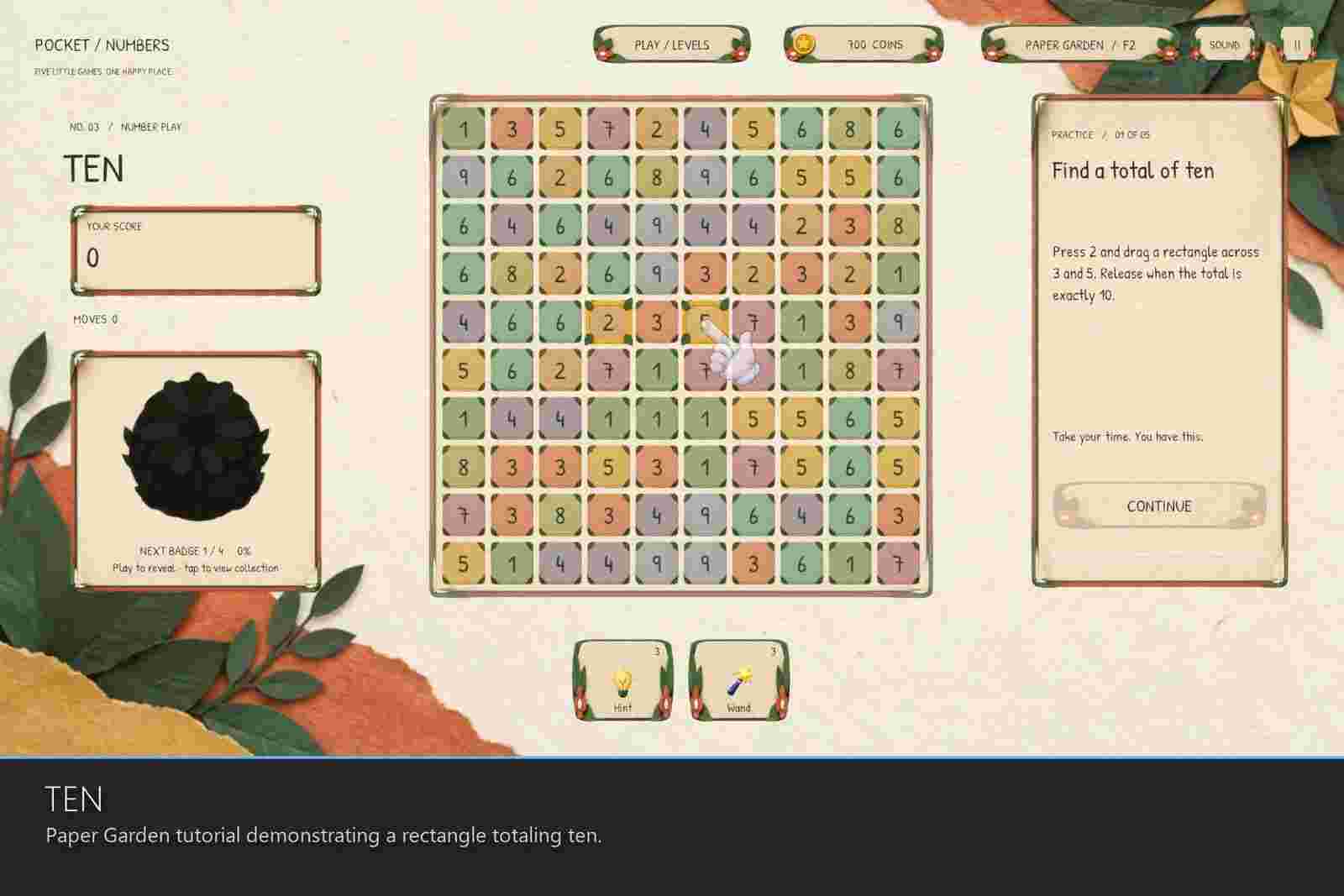
• TEN – drag rectangular selections that total ten. Plan around empty spaces and clear authored challenge boards.
• CHAIN – connect adjacent values using equal and doubling rules, and combine the path into a power-of-two result.
• THIRTEEN – connect at least three equal tokens to upgrade their value, then build longer-term strategies toward thirteen.
TWENTY-FIVE LOOKS, ONE LIBRARY
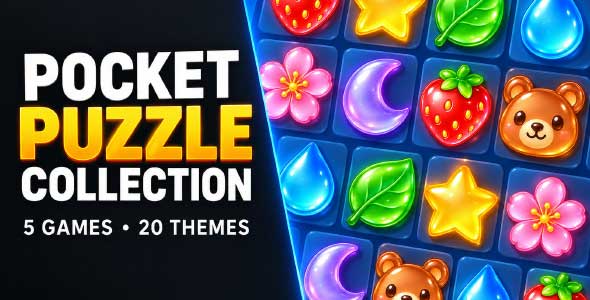
Start with Jelly Pop’s soft presentation or move to neon arcade, paper garden, wood-and-toy, comic, pixel, underwater, gold-and-velvet, frosted-glass and other distinct styles. Themes update the interface, number tiles, palette, typography, backgrounds and collectible illustrations through a shared theme library, and players can change their look while keeping their progress.
A SHARED PLAYER EXPERIENCE
Each game has an interactive tutorial with instructions, an animated pointer and steps that advance only when the player performs the required action. Boosters offer direct activation, targeted selection feedback and in-game coin purchases when stock runs out. Hints show a valid move rather than solving the board; Magic Wand supplies automatic help in the games that include it.
Local progression ties together currency, booster inventory, saved runs, challenge access and collectible rewards. Collectible illustrations reveal gradually as progress is earned, then celebrate their unlock. Scoring streaks add animated feedback and coin rewards fly toward the currency display.
CONTENT YOU CAN EDIT
The five games sit in individual folders with saved scenes, game prefabs, rule scripts, tutorial data, campaign data and post-processing settings; shared systems and art are grouped separately. PAIR and TEN each supply six authored challenge boards, while DOUBLE, CHAIN and THIRTEEN each supply six selectable checkpoints with ongoing refill and milestone progression – 30 challenge entries in total, plus five interactive tutorials.
Alter the challenge data and balancing, replace a theme’s art, or extend the C# systems for your own Unity puzzle game template. The offline guide covers installation, controls, organization, rendering, saves and customization.
HONEST ABOUT THE SCOPE
• Universal Render Pipeline 17.0.4 only. Built-in RP and HDRP are not supported.
• Desktop Windows and desktop WebGL are tested. Touch-aware input and responsive layouts are included, but physical Android and iOS builds have not been certified.
• The supplied demo is locked to 1920×1080 landscape and scales by letterboxing.
• No real-money purchases, cloud save or multiplayer. Google’s advertising SDK is not bundled – you install it yourself to enable the AdMob placements described above. The currency store is a local gameplay system and progress is saved with PlayerPrefs.
• No AI service is called at runtime.
REQUIREMENTS
Unity 6000.0.62f1, Universal Render Pipeline 17.0.4 and Unity UI 2.0.0. The legacy Input Manager is required, and a setup menu is included for a fresh URP project. Unity Registry dependencies are installed separately before import.
ADMOB ADS AND MOBILE HAPTICS
• AdMob placements – rewarded, interstitial and banner ads are wired into the five games, with a Mobile Services setup and diagnostics window for your ad-unit IDs.
• Google’s SDK is not included. The integration resolves the Google Mobile Ads SDK at runtime if you have installed it; you add the plugin yourself and keep it on whatever version you want. Nothing from Google is redistributed here.
• Test mode and a safe fallback. Test IDs let you try rewards immediately. The Editor, Windows and WebGL use a clearly labelled simulation, and phones fall back to it when the SDK is absent – a real SDK failure never turns into a fake reward.
• Native vibration on Android and iOS. Android uses waveform patterns with per-step durations and amplitudes; iOS uses Apple’s semantic feedback. Haptics run in Off, Simulation or Native mode, and every pattern is an editable asset.
• Desktop previews cannot reproduce vibration – test haptics on a physical phone.
THIRD-PARTY CONTENT
Asset uses fonts under the SIL Open Font License 1.1; see Third-Party Notices.txt file in package for details, along with the OFL file included beside each theme’s font. No other third-party images, audio, icons, shaders, DLLs or native binaries are included.
AI-GENERATED CONTENT DISCLOSURE
OpenAI image generation (image-gen) was used to create game UI artwork, theme atlases, backgrounds, collectible illustrations, booster artwork, the tutorial pointer and the paper-confetti atlas. OpenAI Codex assisted with C# gameplay/editor code, procedural audio tooling, documentation and integration.
The generated artwork was organized into twenty-five selectable themes, imported and sliced as Unity sprites, assigned to saved game prefabs and connected to responsive UI, tutorial targets, booster effects and particles. Layout, readability, gameplay and theme switching were iteratively tested and revised. Sound clips were synthesized by this Unity game source code rather than recorded from third-party games. Fonts are third-party OFL assets; see their notices.
The submission screenshots are direct captures of the functioning built demo. They are not image-generated mockups. There is no AI service or external AI dependency at runtime.
Requirements
- Unity 6.0 or newer — built with Unity 6000.0.62f1.
- Universal Render Pipeline 17.0.4, Unity UI 2.0.0, legacy Input Manager.
You must be logged in to post a review.


Reviews
There are no reviews yet.