

Knit Away – Yarn Puzzle Game Unity Source Code
$49.00
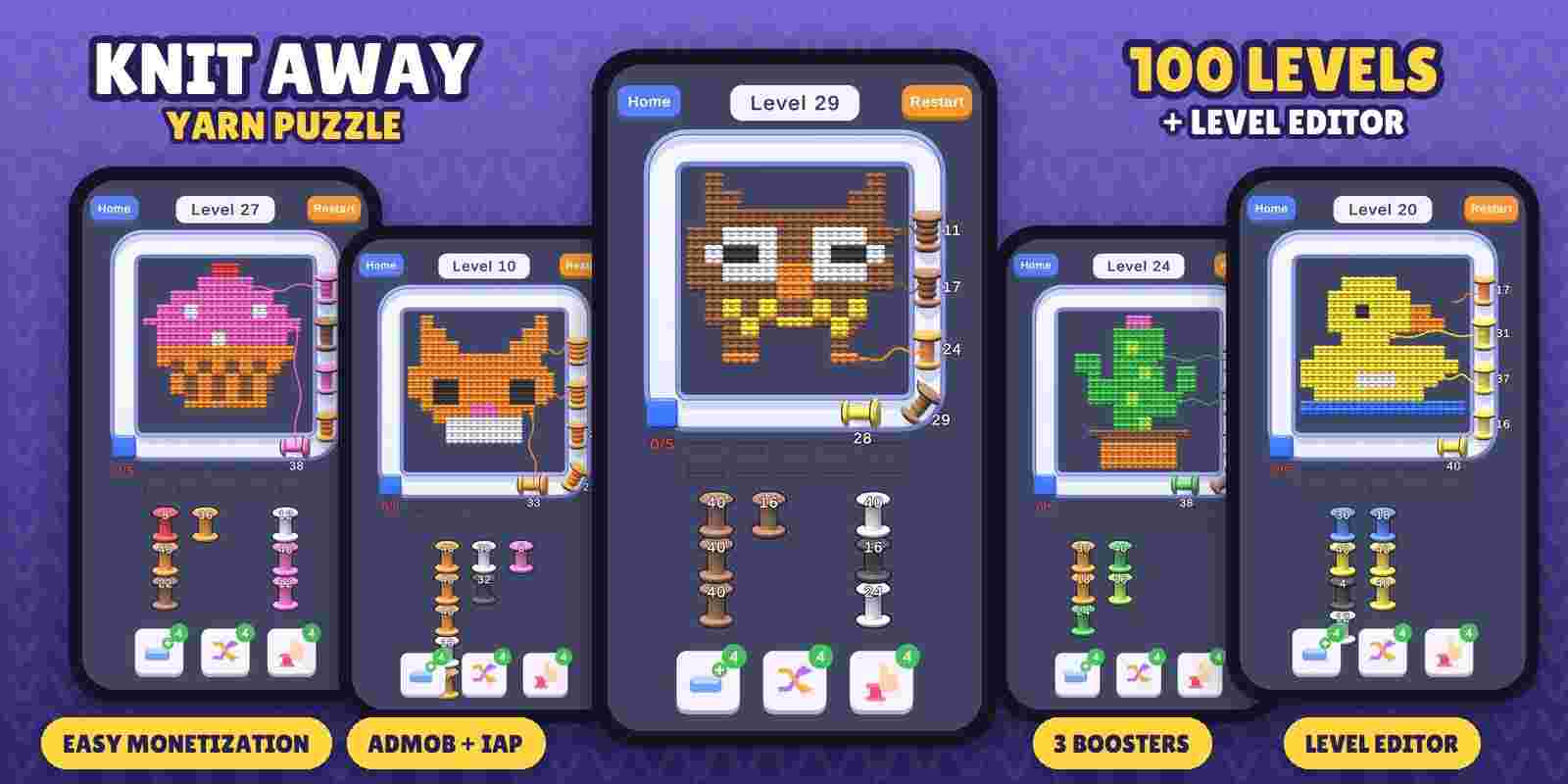
- Satisfying 3D yarn unravel gameplay
- 100 handmade levels
- Level Editor with PNG import and one-click spool generation
- One Game Settings asset for everything
- 3 boosters: Extra Tray, Shuffle, Pick Any
- AdMob banner, interstitial, rewarded + GDPR consent
- In-app purchases: coins, booster pack, Remove Ads
- Lives, coins, revive, 2X reward
- Sounds, confetti and effects
- Detailed PDF guide
Description
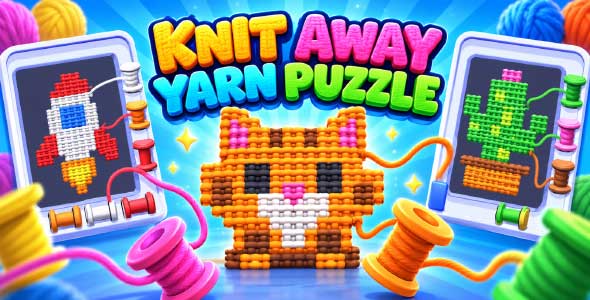
Knit Away – Yarn Puzzle Game Unity Source Code is a relaxing and satisfying 3D template, ready to reskin and publish. Tap a spool, send it around the conveyor and watch the knitted picture unravel stitch by stitch onto the spool. Clear the whole picture to win!
Technical
- Unity 6 (6000.0.58f1 or newer), Built-in Render Pipeline, C#
- Real 3D knitted stitches, spools that fill up with yarn (blend shape), unravel animation
- One scene, clean and commented code, no third-party paid assets
- All numbers in one Game Settings asset (speed, trays, economy, lives, boosters, ad rules, shop)
- Level Editor window: paint pictures or import PNG, generate spools in one click, play the level
- Android and iOS ready, portrait
Monetization
- Google AdMob: banner, interstitial and rewarded ads with GDPR consent (UMP)
- Rewarded ads: Claim 2X coins, revive, +1 life, free boosters
- Unity In-App Purchasing: 3 coin packs, booster pack, Remove Ads (+ restore on iOS)
- Coins, lives with refill timer, revive, 3 boosters with prices and unlock levels
Download the Android demo (APK)
How to Play?
- Tap the front spool of a column to send it onto the conveyor.
- The spool pulls the outer stitches of its own color, row by row, around the picture.
- Spools with thread left land in the holding slots – plan ahead, there are only 5!
- Clear every stitch to complete the level.
What You’ll Get?
- Full Unity project with 100 levels
- Level Editor and Game Settings tools
- 3D models, UI images, sounds and effects
- Step-by-step PDF guide (setup, settings, Level Editor, texts, ads, IAP, build and publish) + README
Note
In-app purchases work only when the app is published on Google Play / the App Store with the same product ids; in the Unity editor they are simulated with Unity’s Fake Store. iOS is supported in the code but needs a Mac with Xcode to build. Tested on Android.
Requirements
- Unity 6 (6000.0.58f1 or newer)
You must be logged in to post a review.
Related products
-

-
Soccer Game 3D Unity Source Code
- $104.00
-


Reviews
There are no reviews yet.