
Crazy Wheels – Car Game Unity Source Code + Level Editor
$24.00
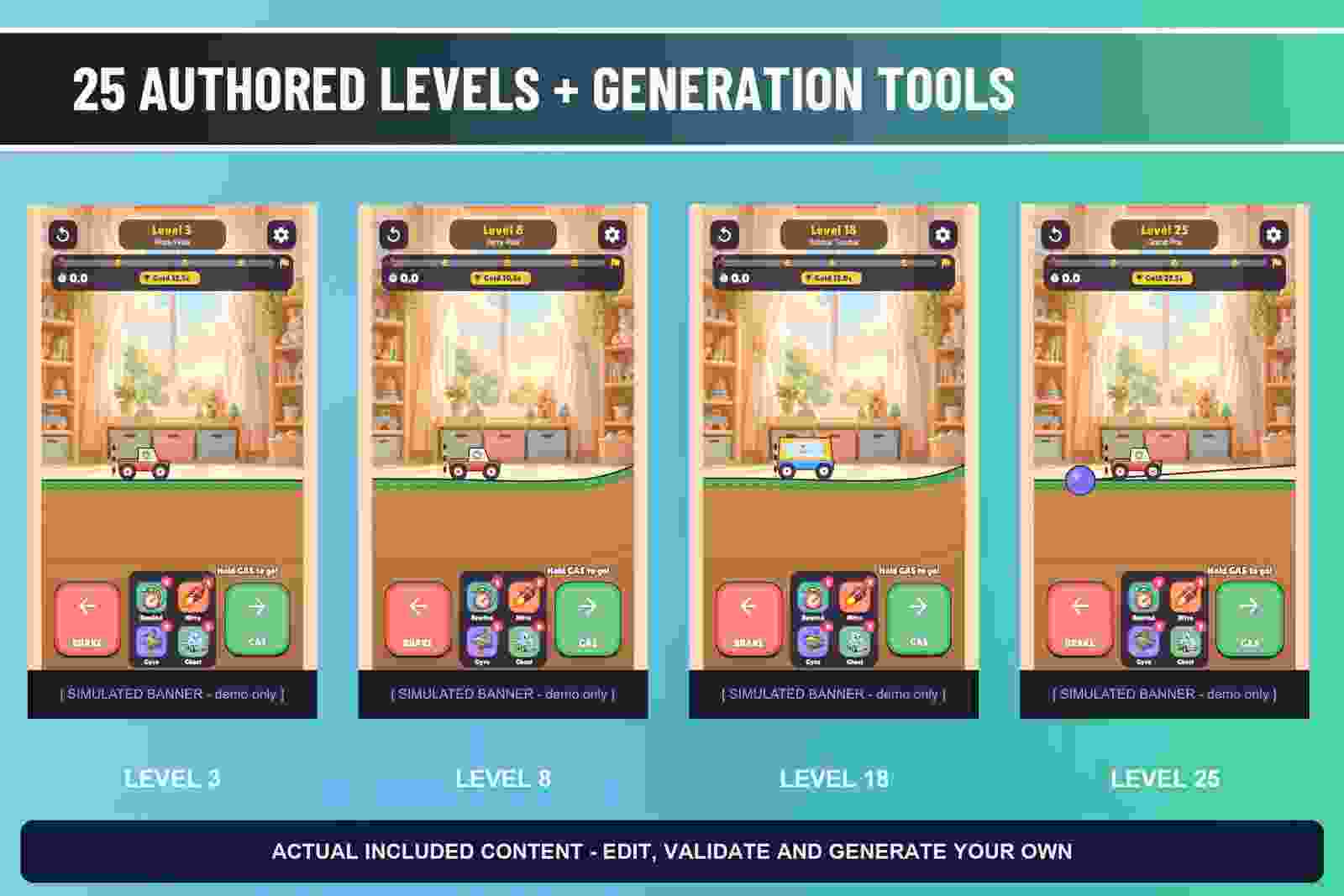
- 25 authored levels, with game-specific authoring and generation tools.
- Four helpers: Rewind, Nitro, Gyro, Ghost.
- Portrait and landscape scenes, local progression/saves, settings, audio and developer controls.
- Complete C# game source, its required private Kit and the included HyperCasual LiveOps Kit.
- Detailed offline HTML and PDF manual: installation, configuration, play, level tools, exact palette/string reskin recipes, providers, release and troubleshooting.
Description
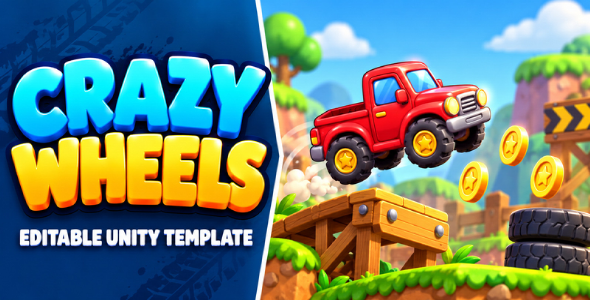
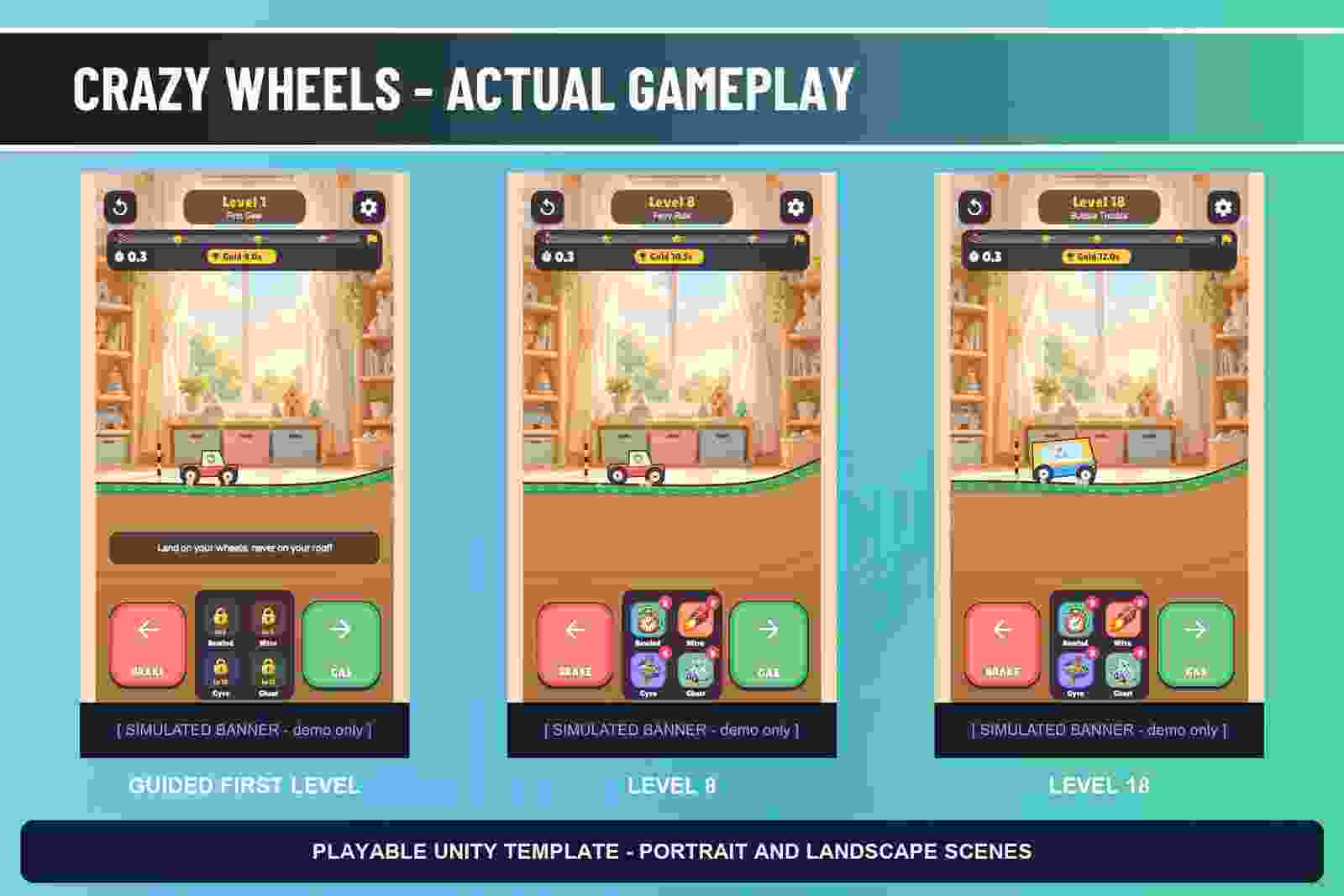
Crazy Wheels – Car Game Unity Source Code + Level Editor is an editable vehicle-physics obstacle template. Vehicle physics, varied tracks, driving plans, replay and recovery helpers and deterministic course checks.
Use the driving controls to accelerate, brake and balance the vehicle across the course. Keep the car upright and reach the finish; timing the pedals matters on slopes and jumps.
Car game Unity project is included with backend-ready and native mobile foundations for ads, IAP, haptics, notifications, permissions, analytics, platform adapters, progression, economy, rewards and settings. Production providers require your own official SDKs, accounts and IDs/configuration.
GAMEPLAY LOOP
Use the driving controls to accelerate, brake and balance the vehicle across the course. Keep the car upright and reach the finish; timing the pedals matters on slopes and jumps.
CONTENT AND LEVEL WORKFLOW
- 25 authored levels, with game-specific authoring and generation tools.
- Four helpers: Rewind, Nitro, Gyro, Ghost.
- Portrait and landscape scenes, local progression/saves, settings, audio and developer controls.
- Complete C# game source, its required private Kit and the included HyperCasual LiveOps Kit.
- Detailed offline HTML and PDF manual: installation, configuration, play, level tools, exact palette/string reskin recipes, providers, release and troubleshooting.
RETHEME AND EXTEND
Use the game-specific HTML and PDF manual for content authoring, palette and string customization, provider setup, builds and troubleshooting.
PROJECT ORGANIZATION
Unity 6000.0.62f1; URP 17.0.4; uGUI 2.0.0; Input System 1.14.2. Set Active Input Handling to Both manually. Android and WebGL demo targets are supplied. Built-in/HDRP and iOS compatibility are not claimed. Android demos use development signing and are not production store releases. Runtime vibration depends on native platform support.
BEFORE A PRODUCTION RELEASE
Shipping Ads Mode is Dummy (0), with simulated banner, interstitial and rewarded placements. IAP Mode is Disabled (3). No advertising/billing provider SDK or external dependency resolver is bundled. Install and configure the official SDKs for the optional providers you enable, using your own service accounts, IDs and store products. The shared kit reference images illustrate included tools and optional services; live services are not already configured.
The Android APK is a development demo, not a production store release. Supply your own app identity, signing credentials and service configuration, and test enabled native integrations on supported target devices. Preserve included license and attribution notices.
AI DISCLOSURE
AI assistance was used for standalone export repairs and the game-specific buyer manual. OpenAI ImageGen generated the promotional cover/card/icon artwork (exact image model version not recorded); these illustrations are distinct from actual gameplay and editor captures. The included Unity game source code has its own AI-DISCLOSURE.txt describing its AI-assisted code/documentation and images. The promo uses synthetic narration from ElevenLabs Brian with Eleven Multilingual v2; this narration is marketing media, not a bundled runtime voice system. Unrecorded original-source provenance is not asserted to be human-made.
Instructions
Read the included game-specific HTML/PDF manual.
- Open with the validated Unity version; configure the recorded packages and Active Input Handling.
- Follow the manual for game scenes, content authoring and customization.
- Set your application identity, icons and production signing.
- Install and configure the official SDKs for optional services you enable; replace demo/simulated settings and configure required privacy/consent flows.
- Build supported targets and test gameplay and enabled native services on target devices before release.
Requirements
- Unity 6000.0.62f1
- URP 17.0.4
- uGUI 2.0.0; Input System 1.14.2. Set Active Input Handling to Both.
- Optional production services need separately installed official SDKs and your own accounts, IDs and signing credentials.
You must be logged in to post a review.


Reviews
There are no reviews yet.