

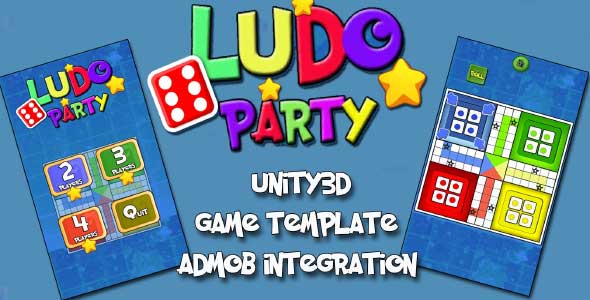
Ludo Party Game Unity Source Code
$40.00
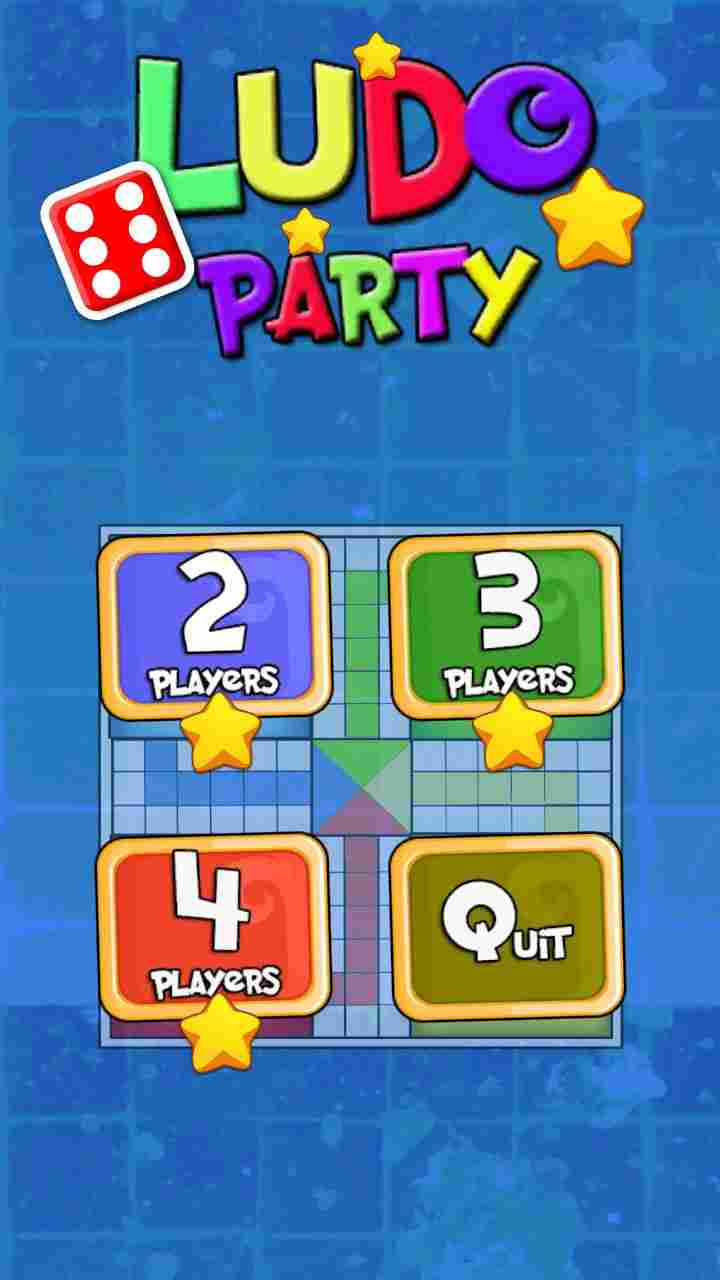
- 2-4 players game
- This Unity game source code is supported for both Android as well as iOS.
- Source code has been properly commented and documented in itself and can easily be understandable.
- Sound Assets included with SounManagerScript.cs
- Good Graphics
- Game template is easy to Reskin and super simple to setup.
Description
Ludo Party Game Unity Source Code is a strategic board game template for 2 to 4 players developed in Unity3D, in which the players race their four tokens from start to finish according to the rolls of a single dice. This ludo Unity project is integrated with ABMOB.
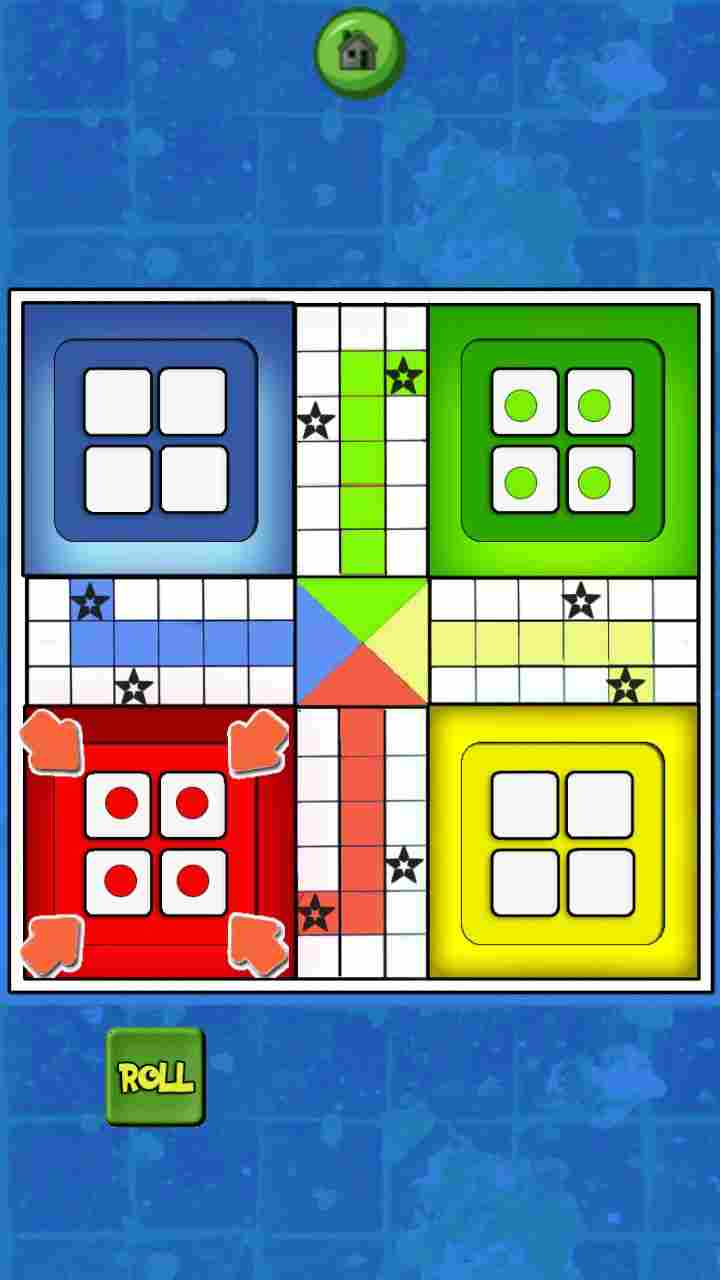
At the beginning of the game, a player places his or her four pieces in the starting area of their color. In this game, the players have to race their 4 tokens from the starting to the finishing point. Unity ludo game has been written in such a way that can easily be understandable and has been properly commented and documented within each script written in C#.
Instructions
How to setup Ludo in Unity3D
Dear Purchasers, First of all thanks for buying this game template. Below are the instructions to setup ludo game source code in Unity3D as follows:
- Create a new Unity Game Project.
- Import the .unitypackage in Unity 2020.3.7f1 or Higher
- Change the platform from Unity as File -> Build Settings and switch to Android or iOS platform
- Drag all the scenes located at Scenes folder into Build settings Window (File-> Build Settings)
- Change the default orientation as Portrait as game has been developed in Portrait mode. (File-> Build Settings-> Player Settings-> Resolution and Presentation – > Default Orientation should be Portrait).
- Create .apk file and deploy it on your android device.
- That’s it.
Requirements
- Unity3D 2020.3.7f1 or Higher
You must be logged in to post a review.
Related products
-

-
Buggy Unity Source Code
- $24.00
-



Reviews
There are no reviews yet.